
Features

Document control that actually works for construction teams

The latest version is always obvious, and the full history is always behind it.

Capsa does document management properly. Nothing more, nothing less.

Version control

Every revision stored. The latest always front and centre — no hunting through folders or email chains.

Full audit trail

Every upload, download, and change is logged and timestamped. You know exactly who had what, and when.

No per-user fees

Invite your architect, your client, your subbies. It won’t cost you extra.

Live in minutes

Sign up, create a project, start uploading. No setup calls. No onboarding. No configuration.

Secure cloud storage

All documents stored securely in the cloud. Access from any device, on site or in the office.

Archive with Vault

Project complete? Move it to Capsa Vault. Documents stay
safe and searchable at a lower monthly cost.
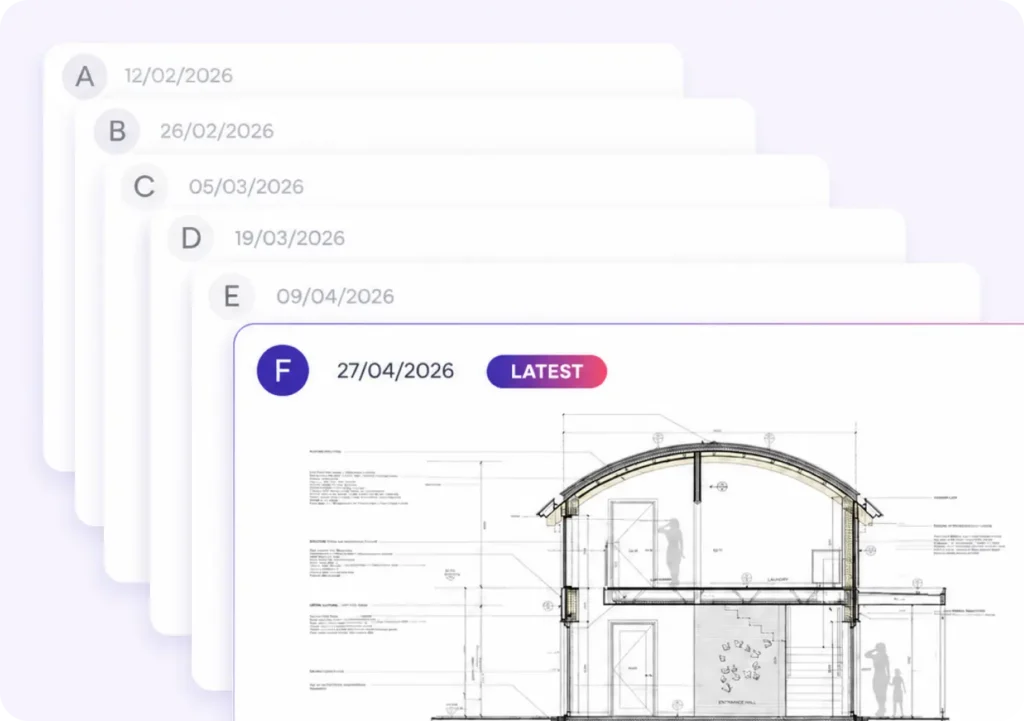
Find the latest version in seconds

Not in your inbox. Not buried in a folder full of files named Final_FINAL_v8_revised.pdf.

Capsa stacks every previous revision behind the current one. Open a project and the latest version of every document is right there named, dated, and ready.
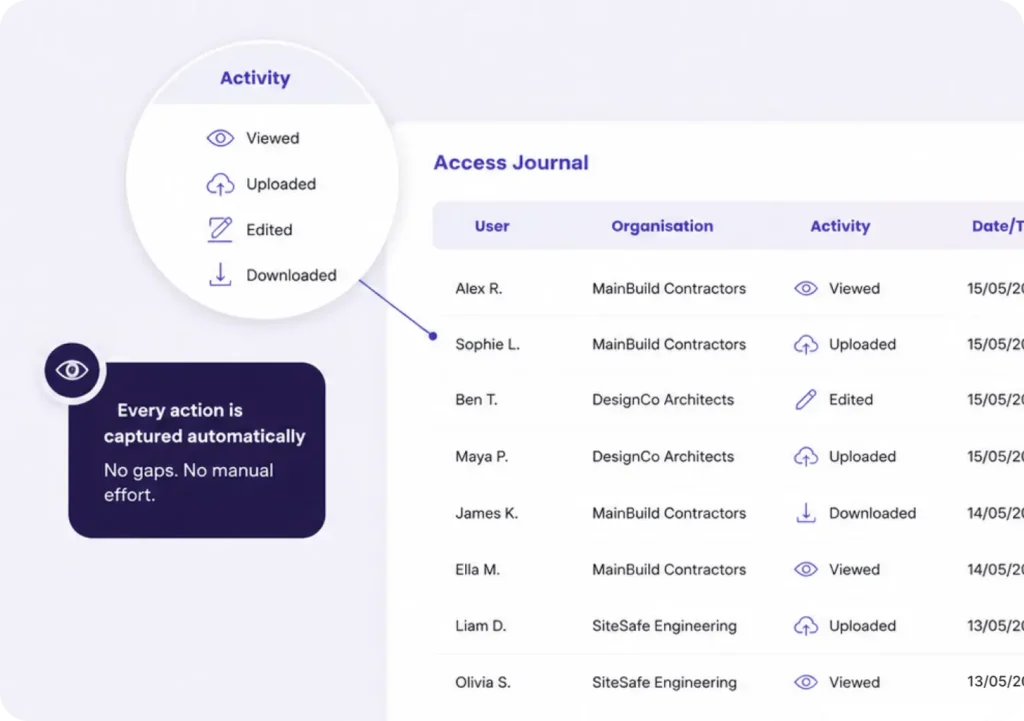
The paper trail that protects you when a project goes sideways

Capsa logs every upload, access, and revision automatically. You’ll have the evidence you need if a dispute arises and the discipline that helps you avoid one.

Add your architect, your client, your subbies. It won't cost you extra

Capsa charges per project. Invite everyone who needs to be on it, and set simple permission levels to control who can do what.
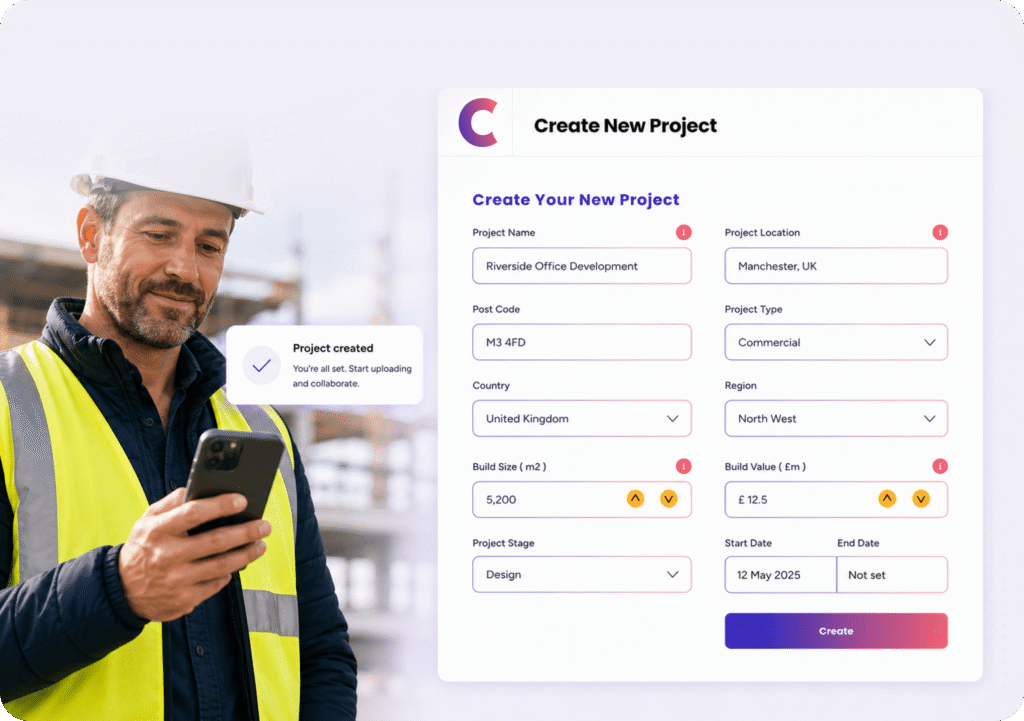
Up and running before lunch

No implementation project. No onboarding calls. No week-long setup.

Sign up, create your first project, and start uploading. Most users are live in under five minutes.

See the full feature list

Capsa features have been specifically designed
for UK construction companies

We only built AI into Capsa where it
removes real work from your day

Built for construction. Priced for SMEs

Here’s what Capsa does and how it compares to the tools
most teams are already using.

Feature
Version control
No Folders
Smart search
Audit Trail
Pricing
Mobile app
User permissions
Onboarding
What Capsa does
Every revision stored and stacked. The latest is always front and centre.
One place for all documents. No folder structures to build or maintain.
Filter documents by any field — architect, type, date, revision. Build custom registers.
Every upload, access, and change logged with a timestamp.
One flat fee per project.
iOS and Android. Download documents for offline access on site.
Simple permission groups. Control who can view, upload, or manage documents.
Sign up and start uploading. Live in minutes.
Dropbox / Drive
Manual filename conventions. No version stacking, no history.
Folder-based only. You manage the structure.
Basic filename search only.
No audit trail.
No per-project model.
Yes, but not built for construction.
Basic sharing only. No granular control.
Quick to set up — but not built for construction workflows.
Procore / ACC
Yes - but complex to configure and navigate.
Folder-based.
Yes, but requires setup and training.
Yes - but buried in enterprise-level reporting.
Per-user pricing.
Yes, complex and enterprise-focused.
Yes, complex to configure.
Requires implementation calls, onboarding, and training.

Start your first project free

No demo. No sales call. Sign up, create a
project, and see if it works for you.

30 days free, then £75 per project/month.
Save 12% on annual plans. Cancel anytime.
Project Plan

Project Plan Capsa Vault

Feature Access

Web App
Access our cloud based portal via your preferred internet browser.

Capsa Cloud Portal

Our app has been built for iOS and Android. Download it to your phone or tablet for free.

Capsa App

You can create as many free user accounts as you need.

Users

A shared central point of storage for all your documents.

Central Storage

1GB of data storage and transfer data usage you receive as standard. This is the minimum for any project.

1GB Data Storage

If you need more or less storage, simply adjust your storage allowance as the project progresses with our flexible storage bolt on. There is no limit to the amount of storage you can use on a project. We simply charge in 1 GB increments.

Flexible Data Storage

Access our portal and sync your data across unlimited devices in real time.

Anytime, Anywhere, Any Device Access

All accounts are password protected, with users and sharing controls in place to ensure your documents are as they should be, safe.

Security

A flexible no strings monthly contract. You can cancel at anytime.

Flexible Contract

Access our help centre for our user guides, FAQ's or live chat our support team for further help during business hours.

Support

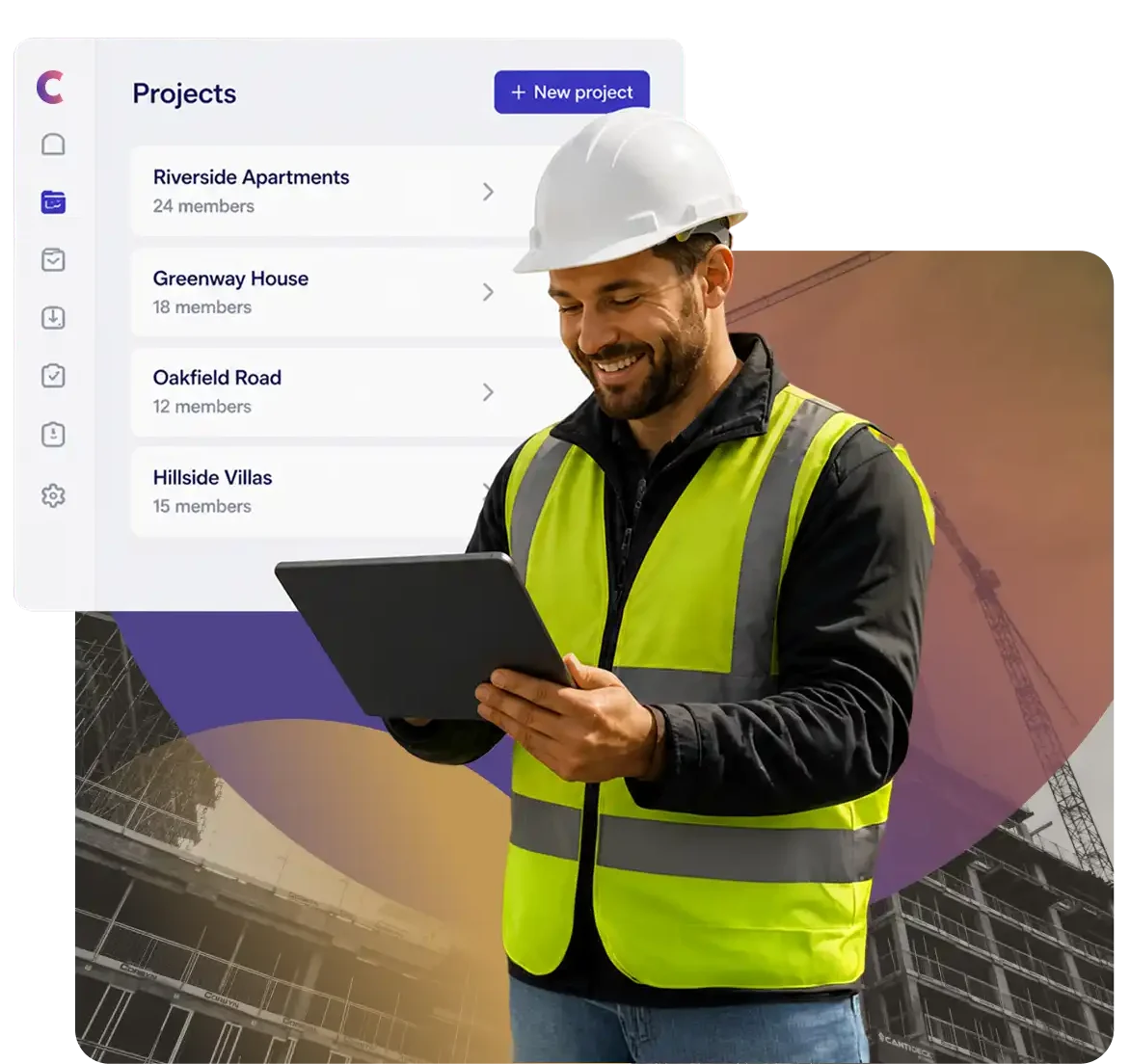
The first thing you'll see in Capsa is the simple interface. We have stripped back the view to deliver a cleaner user experience. Don't worry the features are still there and are generally just a click of the PLUS button away.

A Fresh User Interface

Project Plan Capsa Vault

Access our cloud based portal via your preferred internet browser.Capsa Cloud Portal

Our app has been built for iOS and Android. Download it to your phone or tablet for free.Capsa App

You can create as many free user accounts as you need.Users

A shared central point of storage for all your documents.Central Storage

1GB of data storage and transfer data usage you receive as standard. This is the minimum for any project.1GB Data Storage

If you need more or less storage, simply adjust your storage allowance as the project progresses with our flexible storage bolt on. There is no limit to the amount of storage you can use on a project. We simply charge in 1 GB increments.Flexible Data Storage

Access our portal and sync your data across unlimited devices in real time.Anytime, Anywhere, Any Device Access

All accounts are password protected, with users and sharing controls in place to ensure your documents are as they should be, safe.Security

A flexible no strings monthly contract. You can cancel at anytime.Flexible Contract

Access our help centre for our user guides, FAQ's or live chat our support team for further help during business hours.Support

The first thing you'll see in Capsa is the simple interface. We have stripped back the view to deliver a cleaner user experience. Don't worry the features are still there and are generally just a click of the PLUS button away.A Fresh User Interface